Welcome to TrustedCount Resources (template post)
A working template that demonstrates every supported feature: frontmatter, hero image, headings, lists, quotes, code, inline images, tables, and the closing CTA.

This is the template post. Duplicate the welcome-to-trustedcount-resources/ folder, rename it to your new post’s URL slug, swap out hero.jpg, then replace this frontmatter and body. Everything below shows how the supported markdown features render — keep this file around as a reference.
How to write a new post
Posts live in src/content/resources/<slug>/index.md. The folder name becomes the URL — a folder called why-content-blockers-break-call-tracking/ lives at /resources/why-content-blockers-break-call-tracking/. Pick slugs that read like a search query: short, hyphenated, lowercase, no stop words you can drop.
A few things that are easy to get wrong:
descriptionshows up in search results and the social card. Aim for 150–160 characters and lead with the value, not the topic.pubDateis required and should be the day the post first goes live.updatedDateis optional — add it whenever you make a non-trivial edit so the sitemap and JSON-LD reflect it.draft: truekeeps a post out of the listing, the sitemap, the RSS feed, and the build. Use it for in-progress posts.
Frontmatter cheat sheet
| Field | Required | Notes |
|---|---|---|
title | yes | 50–60 chars renders best in Google |
description | yes | Used for <meta name="description"> and OG description |
pubDate | yes | ISO date, e.g. 2026-05-19 |
updatedDate | no | Set when revising the post |
heroImage | no | Path relative to the post folder, e.g. ./hero.jpg |
heroImageAlt | no | Required for accessibility if heroImage is set |
author | no | Defaults to TrustedCount |
tags | no | Array of strings; shown as pills at the bottom |
draft | no | true excludes from production |
Formatting reference
Paragraphs use plain prose. You can use bold, italics, and inline code freely. Inline links work the way you expect — for example, the TrustedCount homepage or an external link to Wikipedia.
A bulleted list
- Lists render with comfortable spacing
- Nested formatting like bold and
codeworks inline - Keep individual items short so they scan on mobile
A numbered list
- First, install the snippet on every checkout page
- Then fire a test conversion to confirm it lands in the dashboard
- Finally, set up an alert so a broken funnel pages you within minutes
A blockquote
Pull quotes work well for the one-line insight that anchors a section:
A rough number you can act on in 30 seconds beats a perfect number you get tomorrow morning.
A code block
Code blocks use fenced syntax. Specify a language for syntax highlighting:
<!-- TrustedCount tracking snippet -->
<script async src="https://cdn.trustedcount.com/tc.js"
        data-site="YOUR_SITE_ID"></script>
// You can also fire conversions programmatically.
window.tc?.('conversion', {
value: 47.00,
currency: 'USD',
order_id: 'order_8821',
});An inline image
Inline images go in the same folder as the post and use a relative path. Astro automatically optimizes them, generates a responsive srcset, and adds the width/height to prevent layout shift.
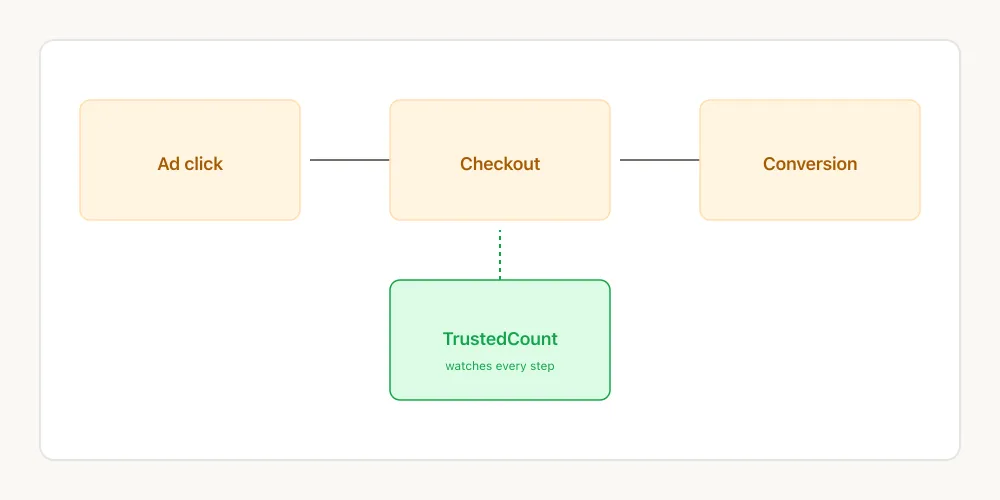
The alt text above isn’t optional — write descriptive alt for every image you use. It’s the single highest-leverage accessibility and SEO move you can make on a blog post.
SEO defaults you get for free
Every post in this collection automatically gets:
- A canonical
<link>so Google doesn’t dedupe against tracking-param variants - Open Graph + Twitter Card tags using your
heroImage BlogPostingJSON-LD structured data (eligible for rich results)- An entry in
/sitemap-index.xmlwith the correctlastmod - An entry in
/rss.xml - Semantic HTML (
<article>,<time datetime>, proper heading hierarchy) - Lazy-loaded, AVIF/WebP-optimized images with explicit dimensions
You don’t have to think about any of this — write the post, ship the markdown, the rest happens at build time.
What to do next
Once you’ve copied this folder and replaced the content, run npm run dev locally to preview, then deploy with npm run deploy. The first real post is the hardest — after that, the template makes itself.
Stop losing ad budget to broken funnels.
TrustedCount alerts you the moment conversions fall off a cliff — not tomorrow morning.
Start free trial